1Why Product Photography Decides Sales
On a product page, the image is the first thing a visitor judges and the thing they trust most. Clear, honest, well-lit photos make a product look worth its price and reduce the doubt that stops people buying. Blurry or dark photos suggest a careless seller, however good the product is.
Photos also reduce returns, because customers know what they are getting: the colour, the size, the texture and the details. For marketplaces and ads, strong images are also what get a listing clicked.
A simple rule: show the product clearly, show it in use, and show the details a customer would check if they were holding it.
2The Types of Product Shots You Need
Most stores need a mix of shot types, each doing a different job.
- Clean background shots: the product alone on white or a neutral colour, required by many marketplaces and ideal for catalogue pages
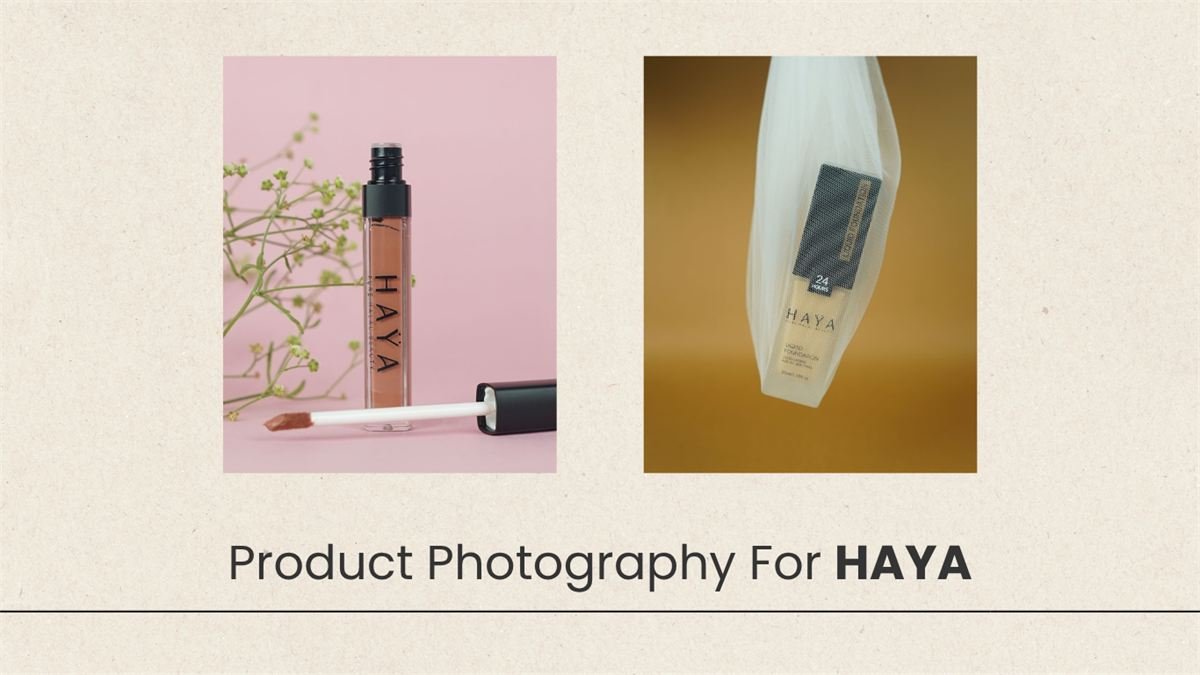
- Lifestyle shots: the product in a real setting or in use, which helps customers imagine owning it
- Detail shots: close-ups of materials, stitching, labels, ports or textures
- Flat lays: products arranged from above, popular for fashion, beauty and food
- Scale shots: the product next to a hand or familiar object so size is clear
- Group and bundle shots: sets, ranges and accessories shown together
3Lighting: The Difference Between Flat and Premium
Light shapes how a product looks. Soft, diffused light flatters most items and avoids harsh shadows. Shiny products such as jewellery, glass or metal need careful control of reflections, while fabrics and food need light that shows texture.
We use studio lighting with softboxes and reflectors to control shadows and highlights, and shoot from consistent angles so your whole catalogue looks like it belongs together.
4Styling and Props That Support the Product
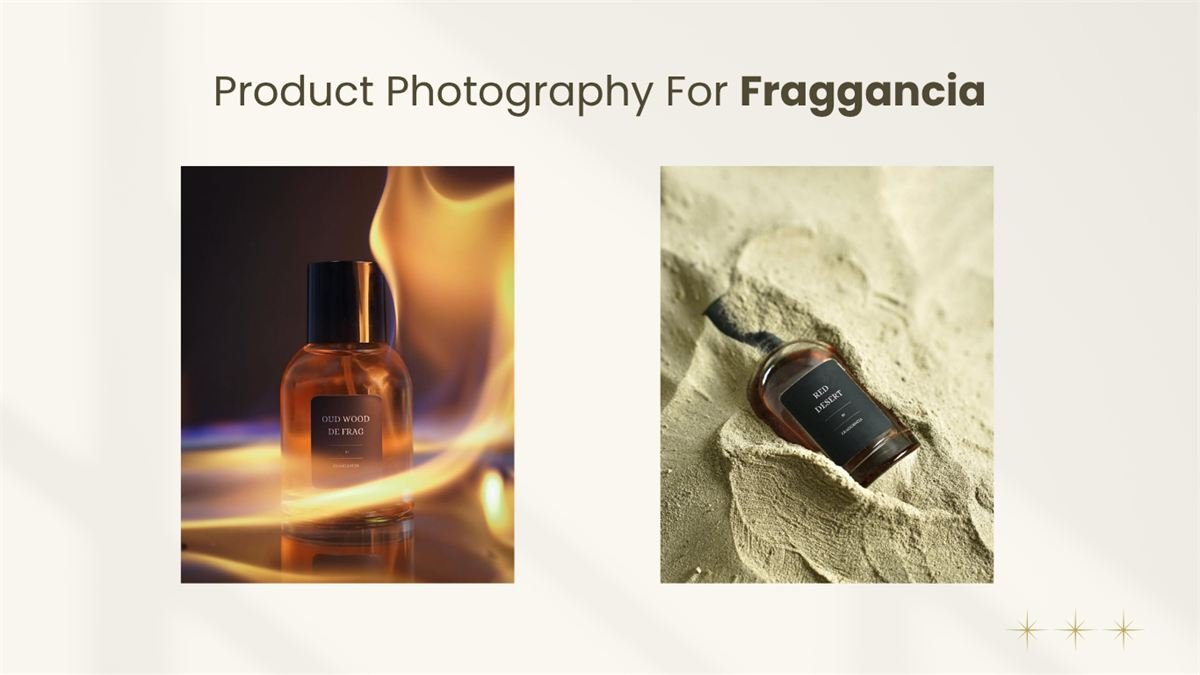
Props should help the story without stealing attention. A coffee mug sits on a wooden table beside a notebook; a skincare bottle sits among leaves and water droplets. We choose colours that complement your brand and the product, and keep backgrounds simple enough that the product stays the focus.
Before the shoot, we agree a shot list and a mood board so you know the look in advance and can bring or approve props.
5Editing and Retouching
Editing turns a good photo into a catalogue-ready one: correcting white balance and colour so the product matches reality, removing dust and marks, straightening, and cutting the product cleanly from the background when a pure white or transparent background is needed.
We retouch to improve the photo, never to mislead. The colour and condition shown must match what the customer will receive, because exaggerated photos lead to returns and bad reviews.
6Sizes, Formats and Marketplace Requirements
Different places want different images. Your own website, Shopify or WooCommerce store, marketplaces and social media each have size and background preferences, and many marketplaces publish rules, such as a plain white background and minimum dimensions. We deliver the files in the sizes you need, compressed so that pages still load quickly.
- High-resolution originals for print and future use
- Web-optimised versions for your store, in modern formats where supported
- Square and portrait crops for social media and ads
- Consistent file naming so images are easy to upload and manage
7Getting More From Every Photo
Good images work across your whole marketing. The same shoot can fill your online store, feed your social media, and power your paid ads. Short product videos filmed in the same session add motion for Reels and product pages, and our video editors can finish them.
See examples of our photography in the portfolio.
8What You Can Do Yourself Before a Professional Shoot
If you are just starting out, you can get usable photos at home while you plan a professional shoot. The basics are simple: good light, a clean background and a steady camera.
- Shoot next to a large window in daylight, avoiding direct harsh sun, and turn off room lights that add a yellow tint
- Use a sheet of white card or a plain table as a backdrop, and a second card opposite the window to bounce light into the shadows
- Put the phone on a tripod or stack of books so that every product is shot from the same angle and distance
- Wipe the product and the lens clean, and remove dust and fingerprints before every shot
- Turn on the grid in your camera app so the horizon and product stay straight
- Take photos from several angles and a few close-ups, then pick the best
Home photos can bridge the gap, but a studio shoot gives you consistent lighting across the whole catalogue, accurate colour and clean edits, which is what makes a store look established.